How Can I Sign NDAs, Invoices, or Proposals Digitally?
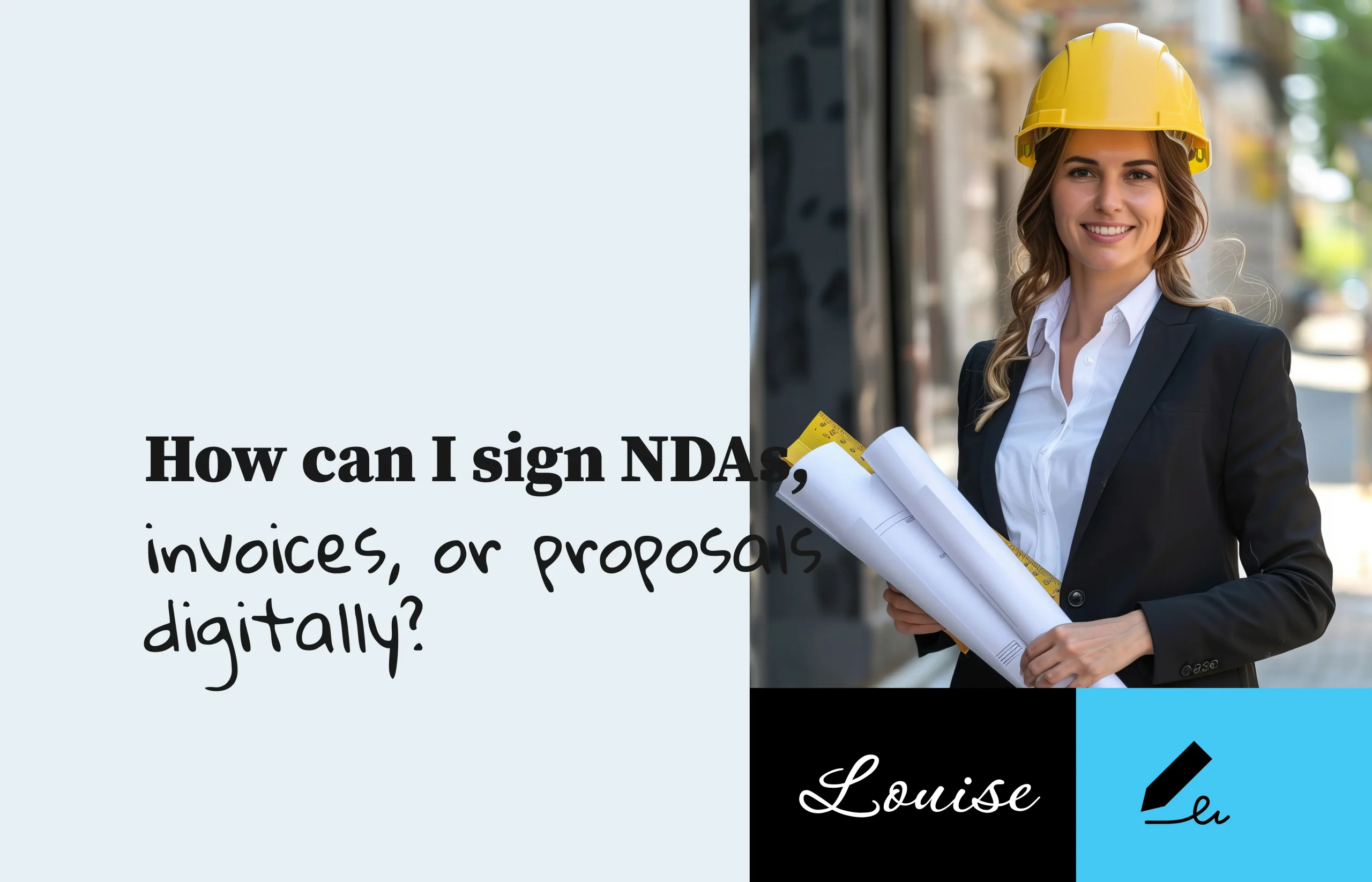
Signing NDAs, invoices, or proposals manually (printing, scanning, emailing) wastes time and creates unnecessary friction. Using a digital signing workflow saves time, reduces errors, and improves the professional impression you leave.
With the right signing platform, you can upload your document, create your e-signature, send it for signature, and finalize the deal: all from any device.
Why Digital Signing Matters for NDAs, Invoices & Proposals
Whether you’re a freelancer, consultant, or small business owner, these documents share key characteristics:
- NDAs: Sensitive, need quick turnaround and trust.
- Invoices: You want clients to sign or approve fast so you get paid sooner.
- Proposals: Signing equals commitment and moving to the next phase.
Using an e signature tool helps you:
- Get signatures faster – no paper, no delay
- Maintain a consistent brand experience
- Store signed documents securely
- Avoid version control issues
Try SignBox now for Free →
How to Sign NDAs, Invoices or Proposals Digitally with SignBox
SignBox makes it simple and efficient for any of these document types.
Step-by-Step:
- Upload your NDA, invoice, or proposal (PDF, Word, or image).
- Choose “Create e-signature” and add your signature (draw, type or upload).
- Add fields if needed (for client’s signature, date, initials).
- Enter the recipient’s email and send the document for signature.
- Your recipient receives a secure link, signs the document online from any device.
- Monitor status: once signed, download or save the final signed document securely.
Every signature is linked to a unique signer ID, ensuring authenticity and helping prevent fraud.
Can I sign an invoice online?
Yes. Simply upload your invoice and send it for signature just like a proposal or NDA.
Do NDAs signed digitally carry the same trust?
Yes. When sent through a reliable tool, your NDA is signed and the signature is authenticated via unique signer ID.
Can proposals be signed on mobile or tablet?
Yes. As long as you use a browser or mobile-friendly signing platform, the recipient can sign from any device.
Is there a cost to sign these documents digitally?
With SignBox, you can perform your first three signings for free. After that, upgrade only if you need more volume.
Start Signing Smarter
Don’t let manual signatures slow you down. Upload your NDA, invoice or proposal, create your e signature, and send it in minutes with SignBox.

What Happens If Someone Refuses to Sign Electronically?
Not everyone is comfortable with digital tools, and you may occasionally work with a client or partner who prefers not to sign electronically. When this happens, it’s important to know your options so you can keep the agreement moving forward without delays or...
Can I Store or Download Signed Documents Safely?
Yes, you can safely store and download signed documents when using a secure e-signature platform. After a document is signed, you need a reliable place to keep it protected, organized, and easy to access whenever you need it. Whether you're signing contracts, NDAs,...
How Do I Verify an Electronic Signature?
Verifying an electronic signature ensures that a document was truly signed by the intended person and hasn’t been changed afterward. With digital transactions becoming the new normal, this verification step protects both you and your clients by ensuring authenticity...